An animated explainer video turns a product, service or process into a story an audience can follow. At Studio Poink, our portfolio brings together illustration, cut-out animation, frame-by-frame movement and visual metaphor. For a complex product, the creative challenge is deciding what the viewer needs to understand first, then giving that idea a clear visual form.
Studio Poink is an animation studio in Tel Aviv creating infographic videos, informative clips, corporate films, commercials and animated series. This guide focuses on briefing an explainer: what to communicate, how to choose a visual approach, and which decisions to make before production.
When does an animated explainer video help?
An explainer is useful when the value of a product is difficult to see in a screenshot. Software may connect teams, surface a hidden risk or turn scattered information into a decision. Animation can show those relationships without requiring the viewer to navigate a live interface.
Start by identifying the question the film should answer. A first-time website visitor may ask, “What does this do?” A prospective buyer may ask, “How would this fit into our work?” A new user may need to see a particular workflow. These are different communication tasks and may need different films.
A broad introduction should establish the problem and the product’s role. A detailed tutorial should demonstrate the actual steps. When the interface itself matters, accurate screen content may be more useful than an abstract metaphor. Let the audience’s question determine the treatment.
Build the story around one useful change
A practical starting point is a simple sentence: “This helps this audience move from this problem to this better situation.” That sentence is a writing tool, not necessarily the final voiceover. It prevents a script from becoming a list of disconnected features.
For example, an imaginary planning platform might bring requests from several teams into one shared view. The story could follow a request that becomes lost, then show how a clear route helps the team respond. The benefit becomes visible through a sequence of events. Any performance or time-saving claims would still need evidence from the product owner.
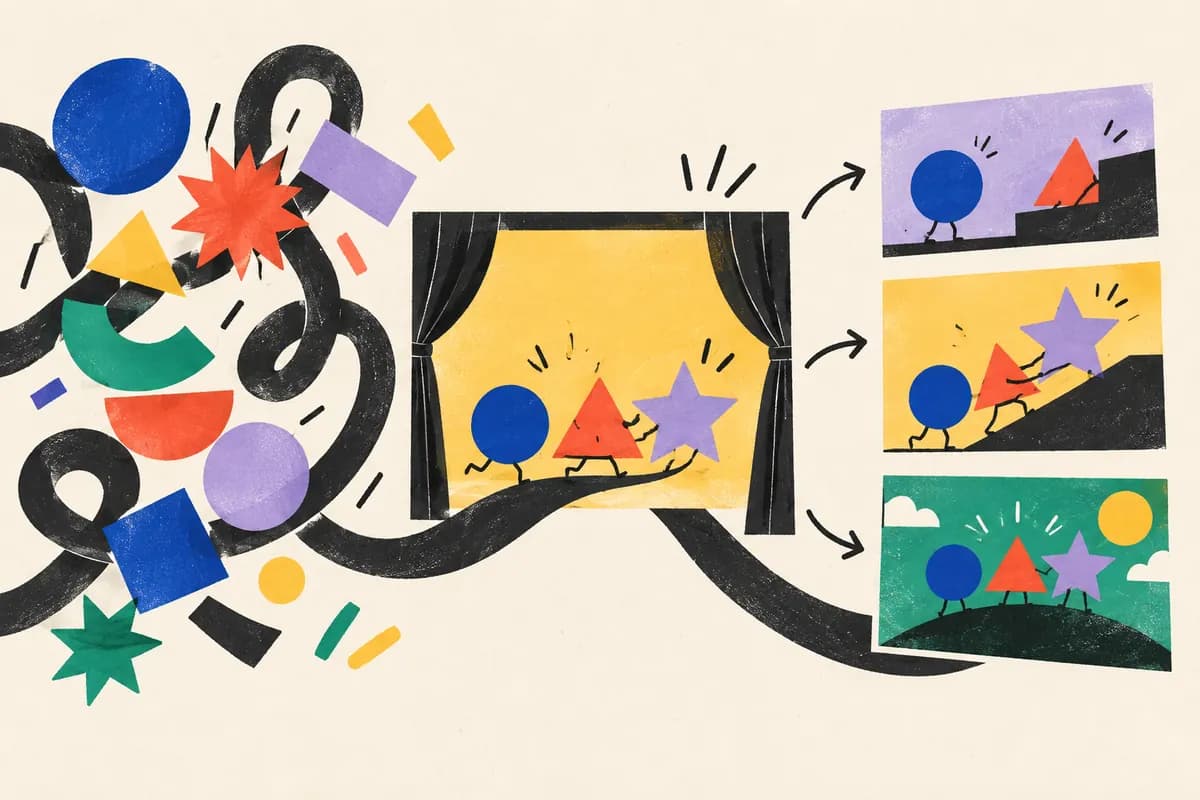
- Establish the situation. Show a recognizable task or obstacle.
- Introduce the change. Explain what the product enables in language the audience uses.
- Show the mechanism. Choose the few actions or relationships that make the explanation believable.
- Give the next step. End with a relevant invitation, such as exploring a product page or requesting a demonstration.
Which animation style fits the explanation?
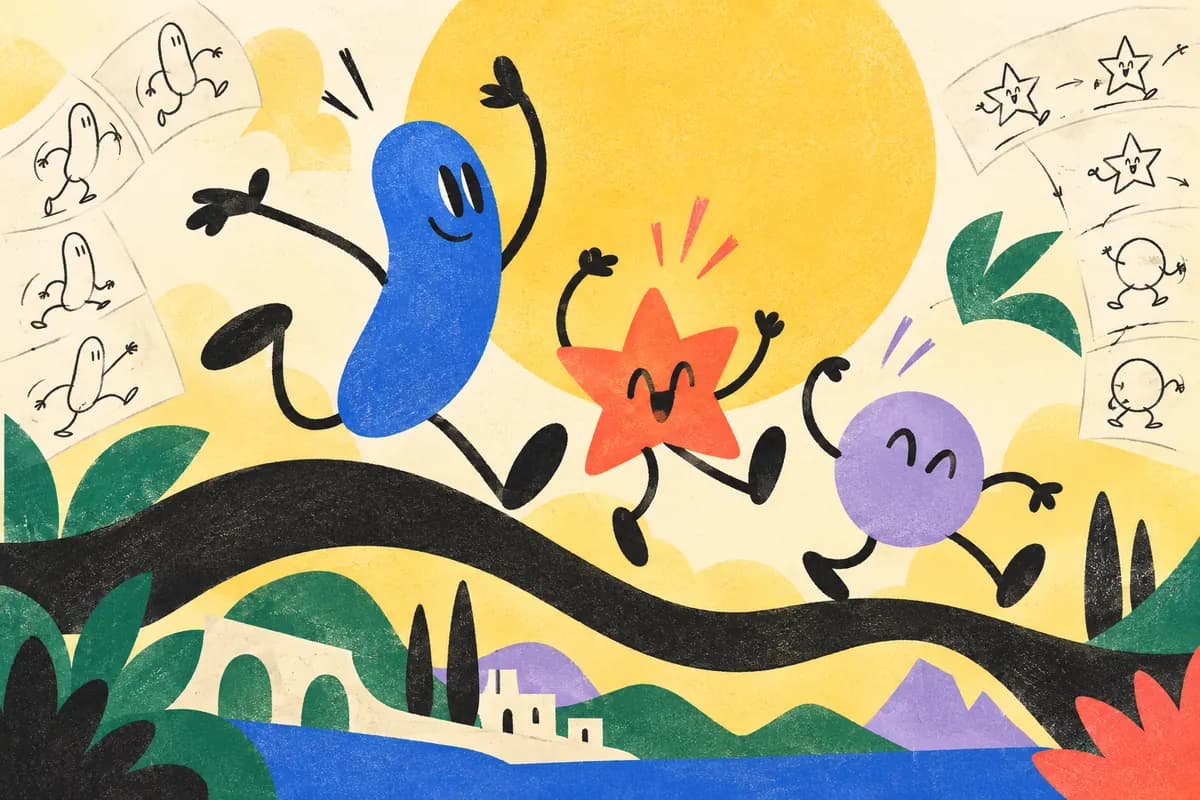
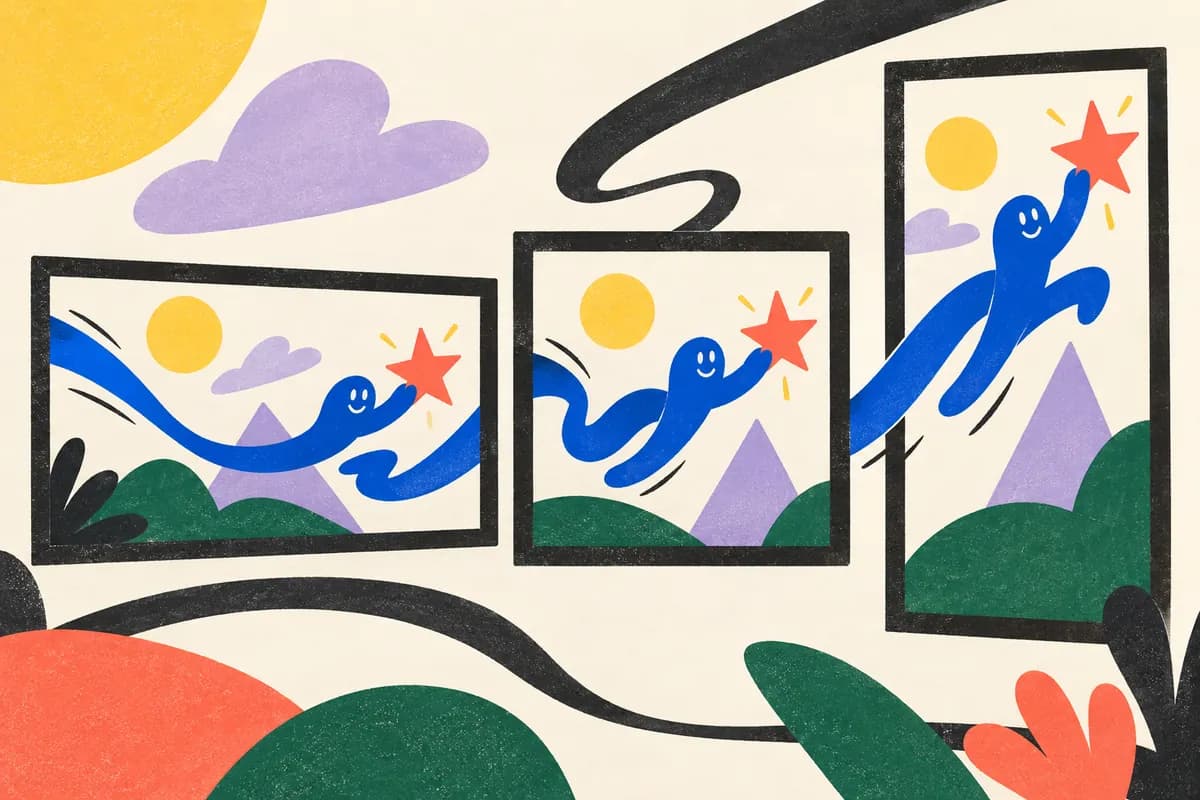
Cut-out animation moves separate illustrated elements. It can combine characters, objects and abstract shapes within a flexible visual world. Frame-by-frame animation draws changes across successive frames, allowing expressive gestures and transformations. Motion graphics organizes shapes, type, diagrams and other graphic elements over time.
These approaches can work together. A character might introduce the situation, a diagram might clarify a process, and a drawn transition might connect the two. Choose the style for its explanatory role and its fit with the brand, rather than treating technique as the whole concept. Our guide to character animation for brands explores that decision in more detail.
What should an explainer production brief include?
Bring a concise description of the audience, the product and the intended viewing context. Include approved product information, brand assets and any existing script or visual references. Separate required facts from ideas that are open to creative interpretation.
- One primary objective: what should the viewer understand or do?
- Essential information: which facts must appear, and who can approve them?
- Viewing context: website, presentation, social placement or another channel.
- Deliverables: aspect ratios, language versions, captions and any shorter edits.
- Production constraints: launch date, budget range, stakeholders and feedback process.
Ask the studio to confirm the scope of scripting, storyboarding, design, animation and audio in its proposal. Review the story before polishing movement. A storyboard checks the sequence of ideas; an animatic, when included, checks timing with a rough edit. Resolving an unclear message at that stage avoids carrying it into a finished film.
Explainer approaches in Studio Poink’s portfolio
Our IGEO.AI project uses a cut-out approach, abstract shapes and visual metaphor to communicate complex technology. It is a useful reference when the subject is a system or an idea rather than a physical object.
The Wiz project combines cut-out and frame-by-frame animation in a product showcase. Compare the use of movement and transitions with the WalkMe work, which uses an original cartoon style to communicate the platform’s usefulness and simplicity. These films demonstrate different creative treatments; they do not establish a universal style or length for every product.
Start with the question your audience is asking
A good brief does not need a finished creative concept. It needs an honest account of what is hard to explain. Talk to Studio Poink about your explainer video with your audience, product, intended channels and launch plans. If the film also needs campaign edits, read our guide to animated commercials and motion graphics before setting the deliverables.