
STUDIO POINK / SERVICES
Motion graphics for technology and brands
Studio Poink creates illustrative motion graphics for tech stories, product launches and event screens. Explore Cyera, Devocean and AU10IX projects.
Motion graphics use moving design, illustration, typography and transitions to explain an idea or build a visual story. Studio Poink creates motion pieces for technology products, brand communication and screens where the message needs to register quickly.
Make an abstract subject visible
Data flows, connected systems and software processes are not always easy to film. An illustrated visual language can show relationships, sequences and changes while keeping the audience focused on the central idea. The treatment may be expressive and textured or built around a more restrained graphic system.
Useful starting points include product launches, feature introductions, presentation films and event displays. Each placement has its own constraints. A presentation can depend on a speaker; a convention screen may need to communicate without narration; a campaign needs to work at its intended viewing size.
Relevant Studio Poink projects
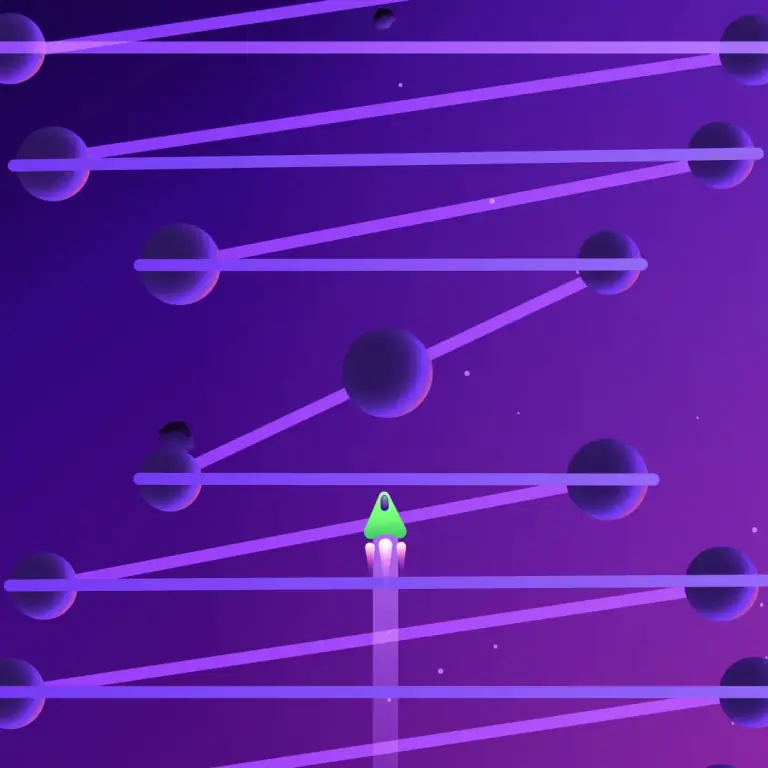
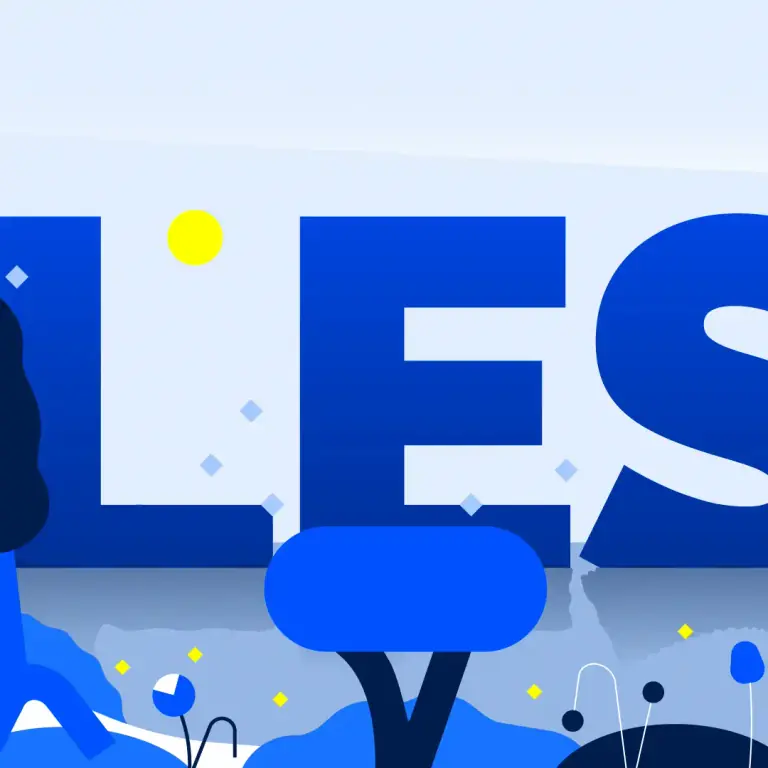
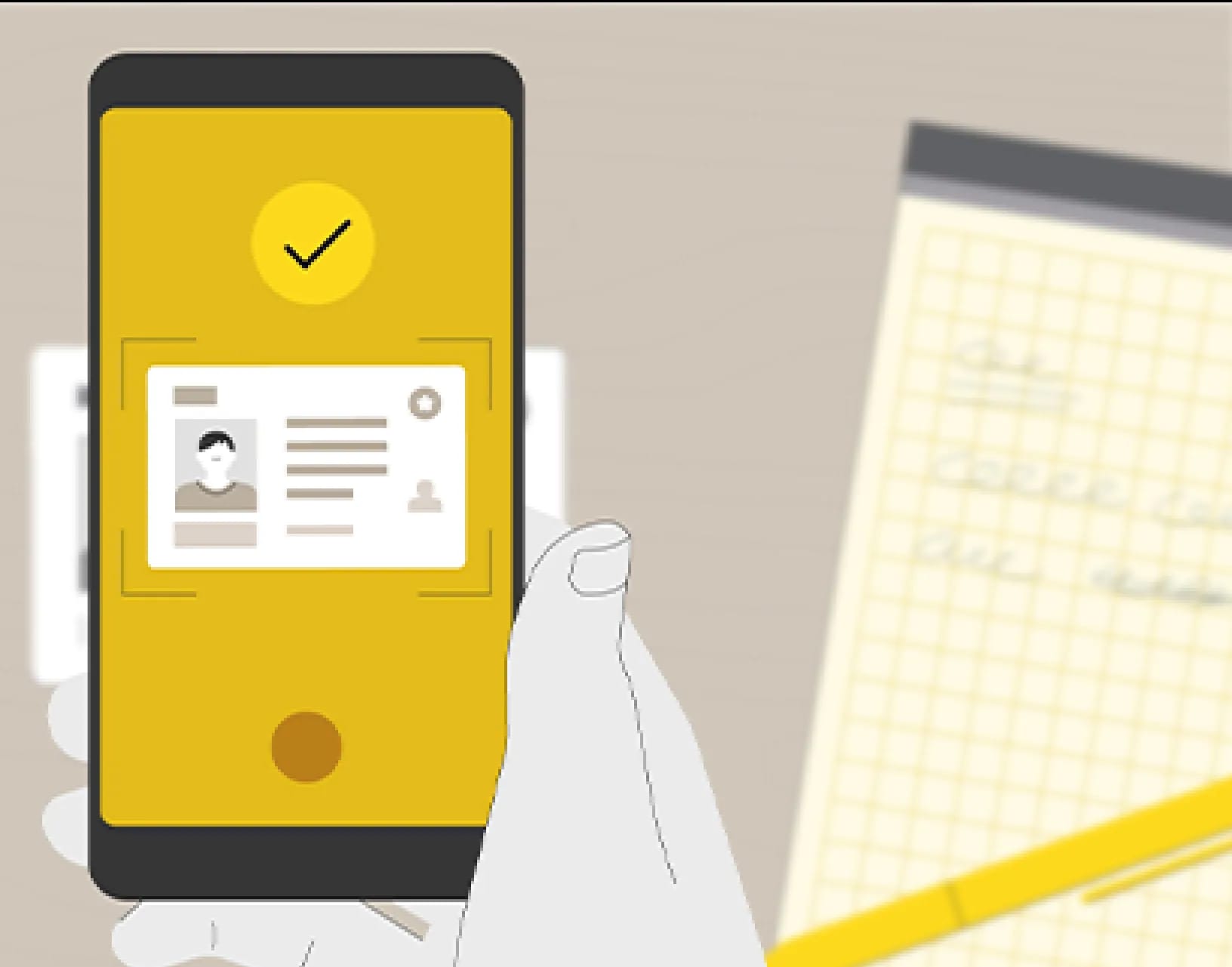
The Cyera DSPM and Cyera MS 365 films use a shared visual language across a product series. Devocean uses illustrative cut-out animation and symbolic compositions to tell a cybersecurity story. The AU10IX convention film was designed to communicate without narration.
Design decisions that shape the film
Before production, establish which elements of your brand must remain fixed and where new illustration can extend them. A product team should approve the meaning of technical diagrams and metaphors. A storyboard helps test the order of the explanation; design frames establish typography, color and composition before animation develops the transitions and timing.
If the project will run on an event screen, bring the screen dimensions, playback requirements and viewing context into the brief. For multiple formats, plan how layouts and text will adapt instead of assuming one crop will work everywhere.
Scope the complete delivery
The proposal should identify the master film, alternate versions, audio, captions and delivery specifications. Editable source files, reusable assets and additional adaptations require explicit agreement. Read the guide to cost factors and production process, or discuss your motion graphics project.
See it in motion
Frequently asked questions
What is the difference between motion graphics and an explainer video?
Motion graphics describes a visual approach using moving design elements. An explainer describes the communication purpose. An explainer can use motion graphics, characters or a combination of techniques.
Can motion graphics work without voiceover?
Yes. The AU10IX convention film in our portfolio was made to explain visually without narration. For a new project, plan readable text, visual sequencing and the viewing environment from the start.
Can you work with an existing brand identity?
Share your brand guidelines, typefaces, colors, existing illustrations and usage restrictions. The project can then define which elements to preserve and where the visual language may be developed.
What do you need for an event-screen project?
Include the screen dimensions, resolution, playback setup, expected viewing distance, sound availability and any looping requirements. Confirm these details with the event team before final delivery.
Can one motion piece be adapted for different screens?
Different aspect ratios and edits can be scoped together. List them before production so composition, text size and transitions are planned for each required format.
LET’S MAKE IT MOVE
A complex idea. A clear story.
Tell us what you’re making, who it’s for and where the animation will live.